
Live chat · AI agent · Sales
Talk to every visitor while they’re still deciding.
XenChats shows you who is on your website right now, lets you start the conversation at the right moment and closes the sale inside the chat, with an AI agent that answers when your team can’t.
One line of code. Works on any website.
Visitors
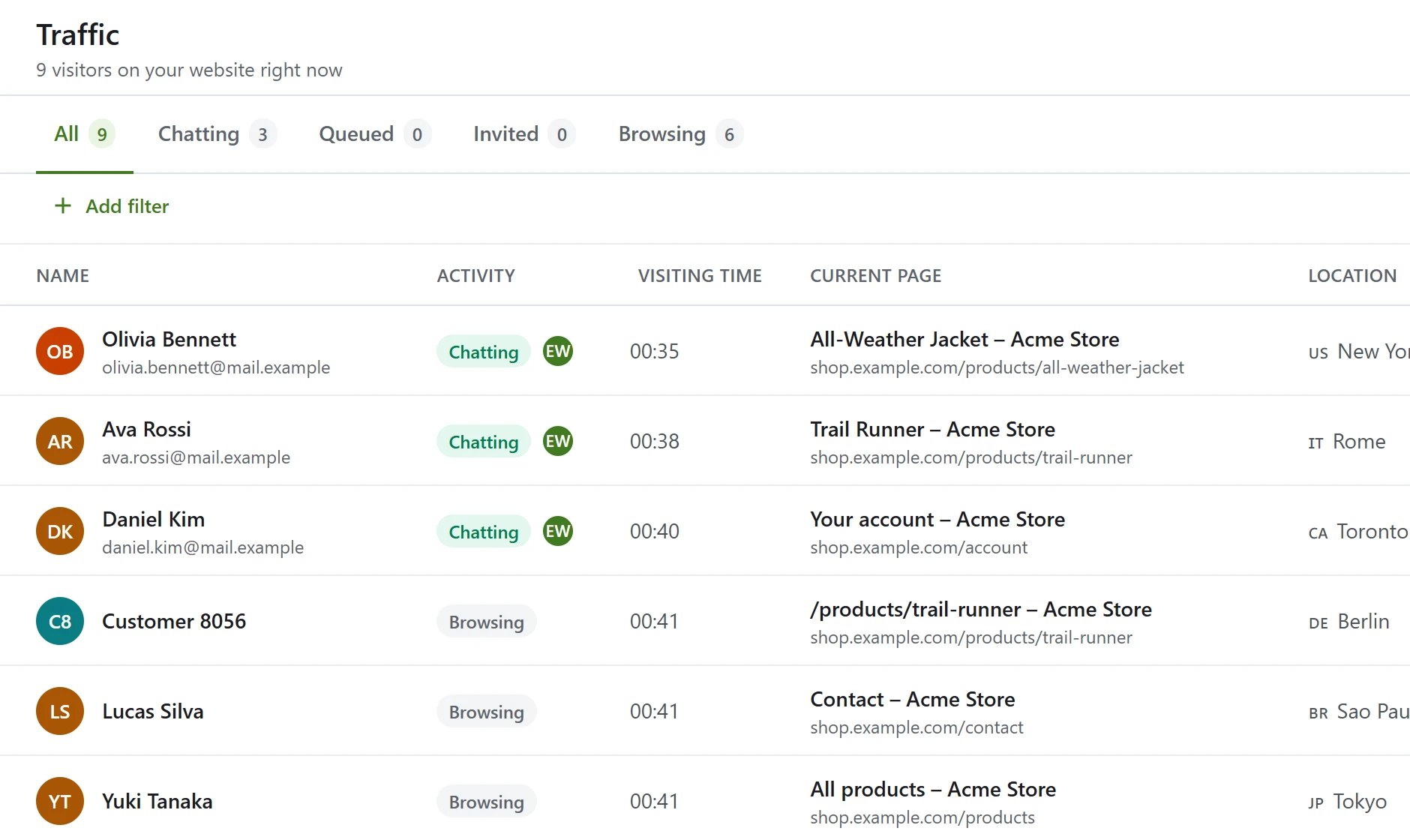
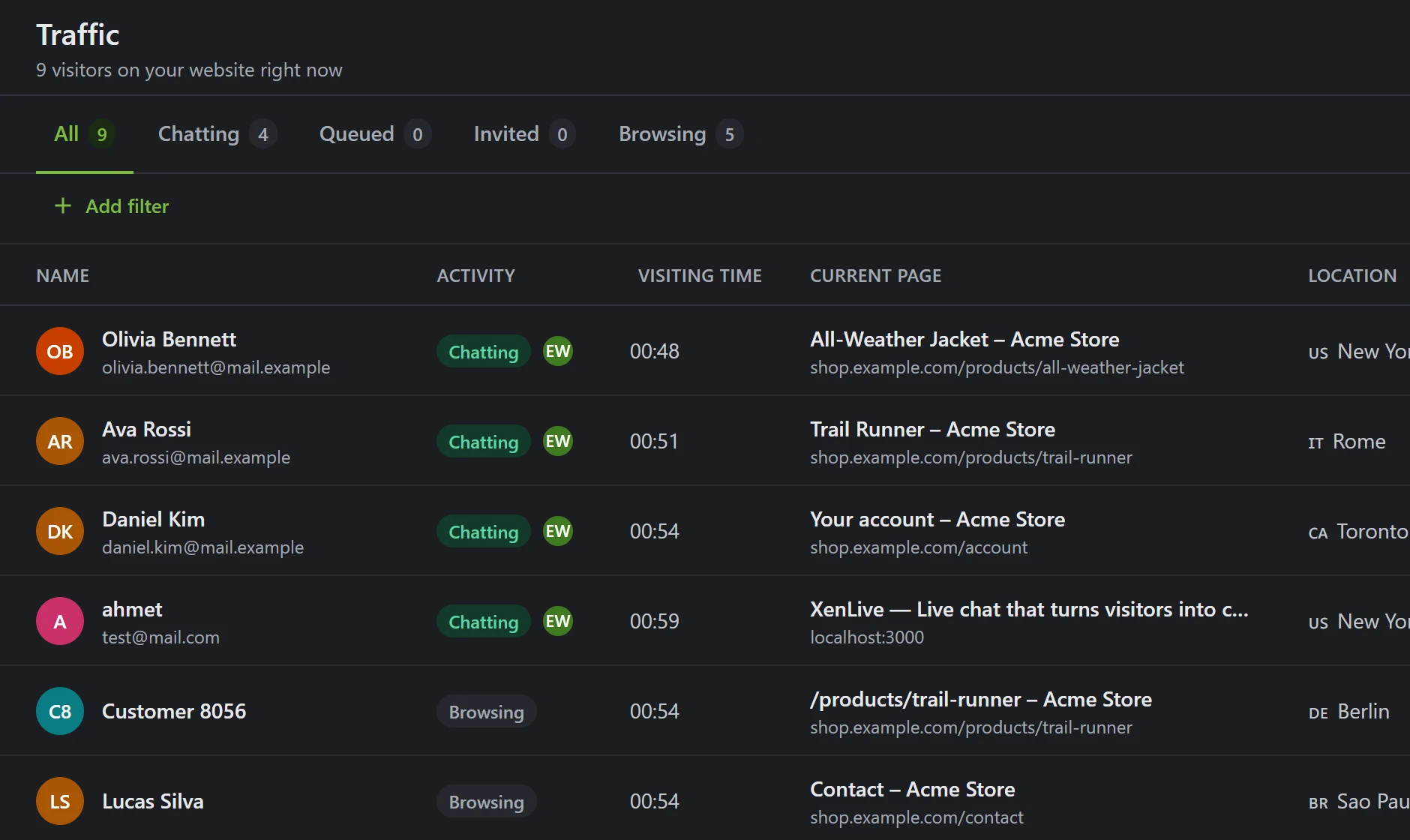
See who’s on your site, right now.
Every visitor appears the moment they arrive: the page they are reading, where they are from, the device they use and how long they have been browsing. People who come back are recognized, even on a new network.
- A live list of visitors and the pages they open
- Location, device and visit history at a glance
- Start a chat with anyone in one click
Engage
Start the conversation before they leave.
Greet visitors with a message from a real person on your team, timed to the page they are reading or the moment they move to leave. One click and they are talking to you.
- Greetings by page, time on site or exit intent
- A gentle nudge when a conversation goes quiet
- Your colors, your team’s faces, your words

Sell
Sell inside the chat.
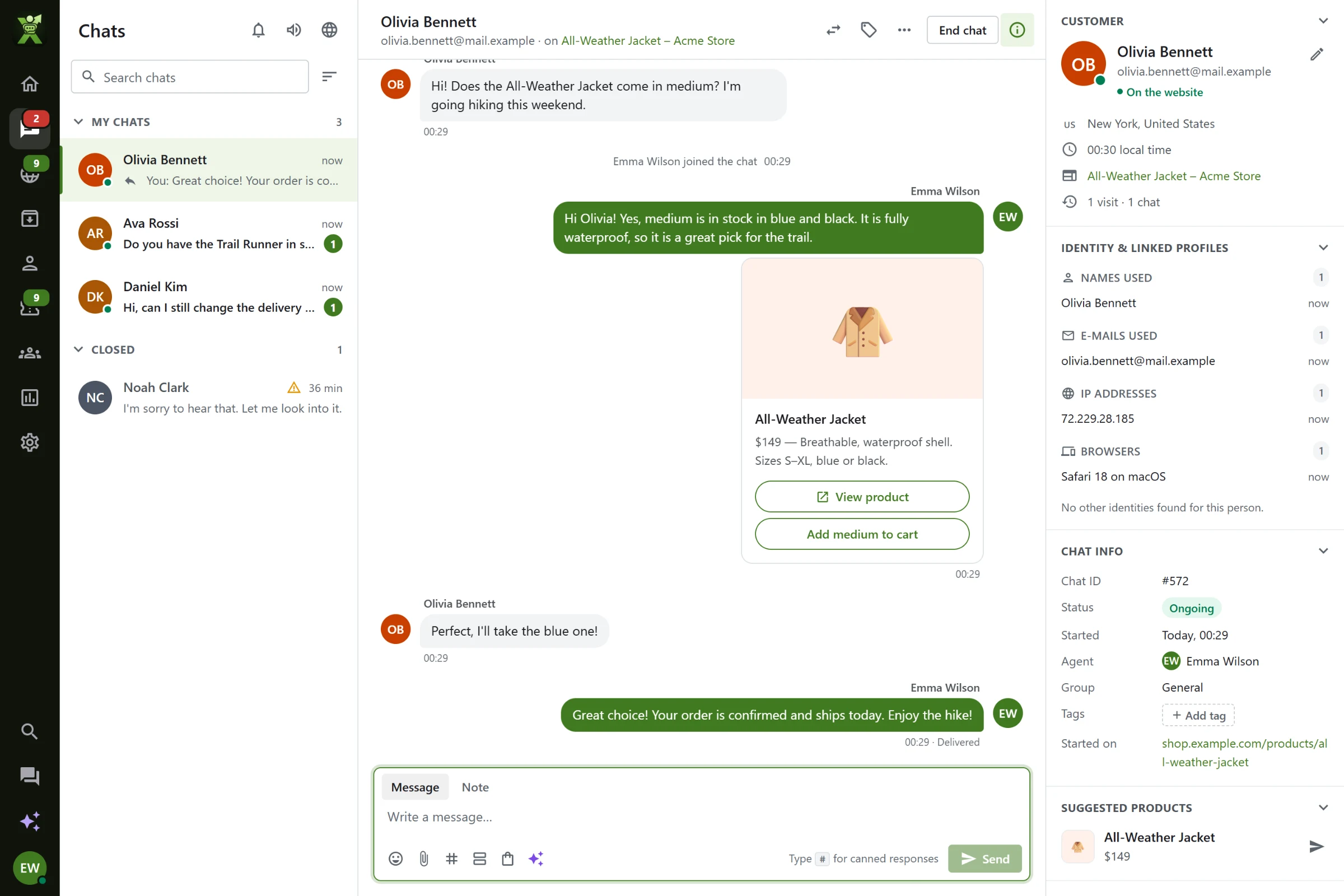
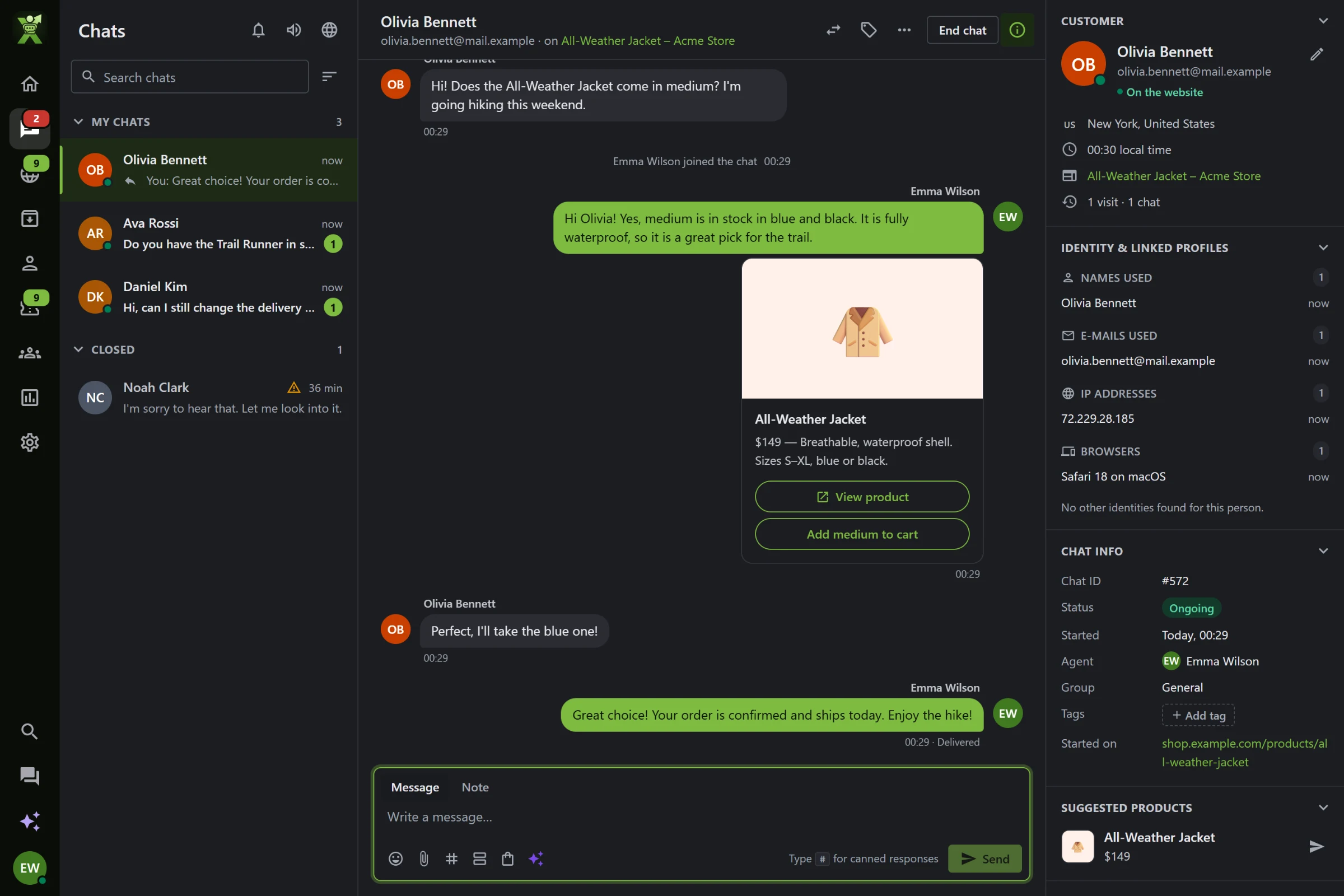
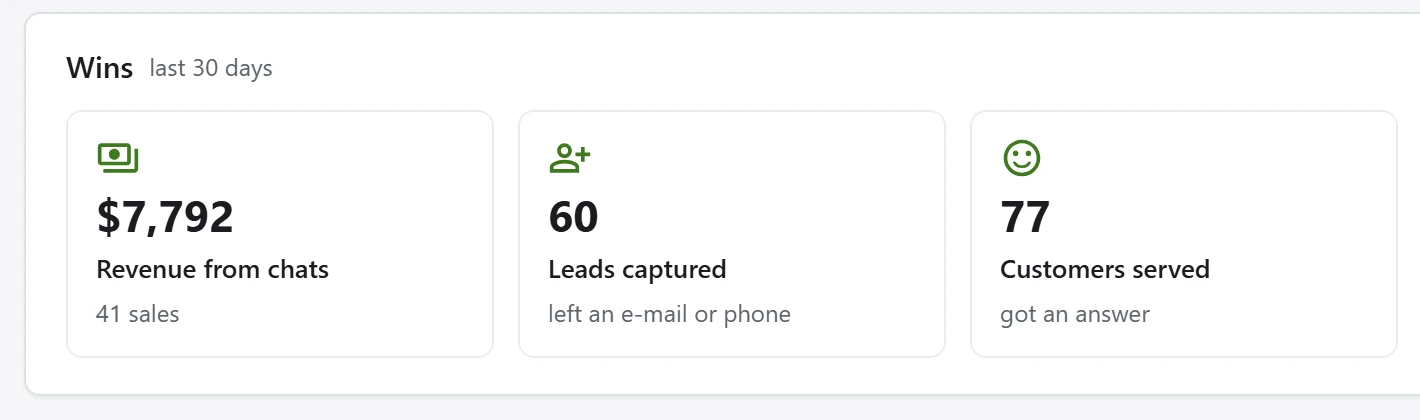
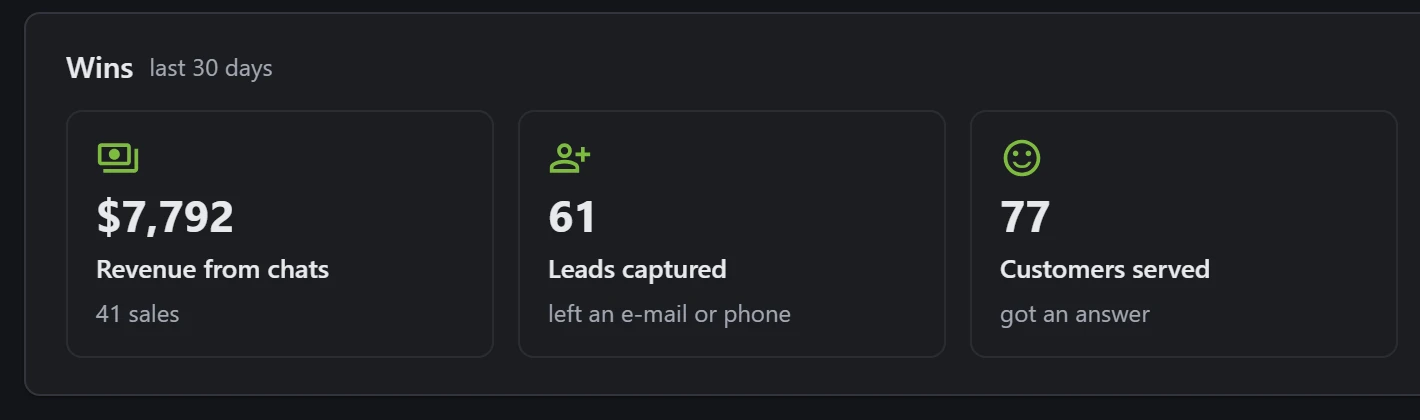
Send product cards with prices and buttons straight into the conversation. When a chat ends in a purchase, XenChats counts it, so you can see exactly how much revenue your chats bring in.
- Product cards and carousels from your catalog
- Quick replies and buttons customers can tap
- Revenue, sales and leads tracked for every chat
AI agent
An AI agent that never sleeps.
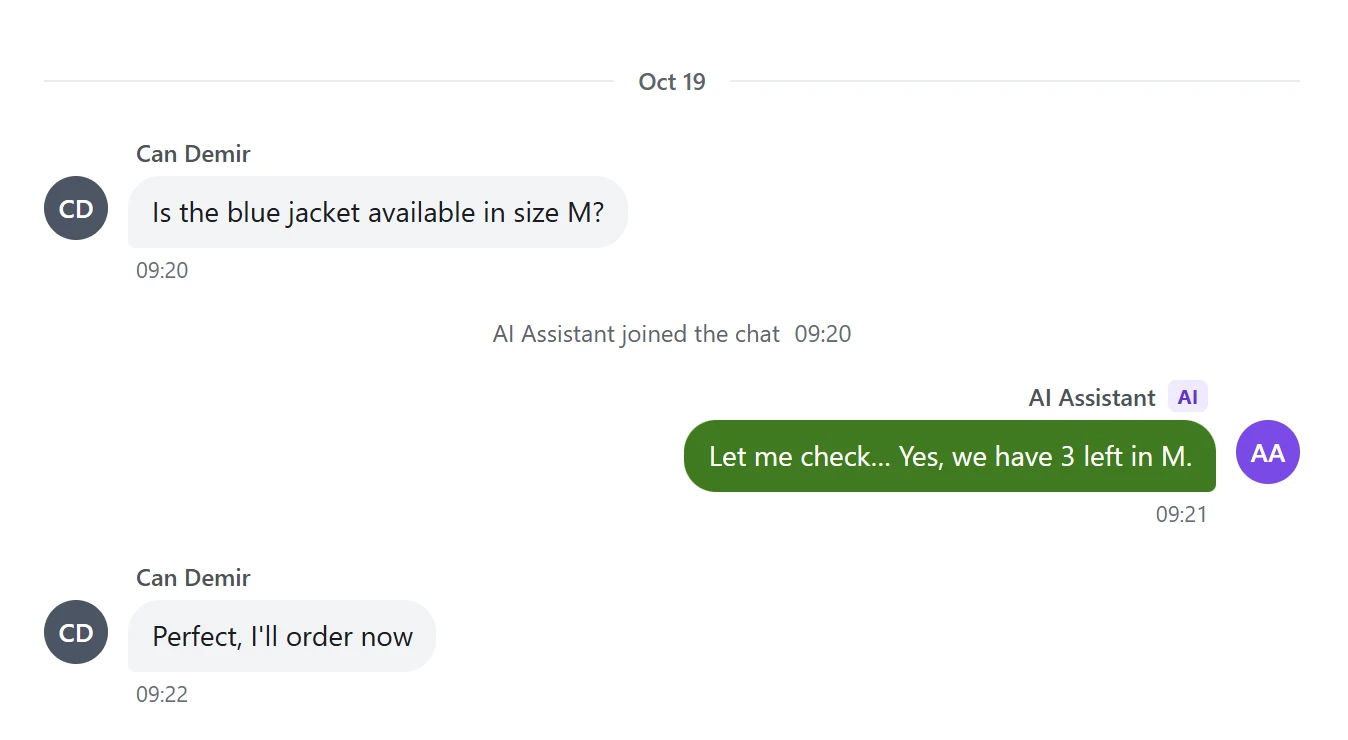
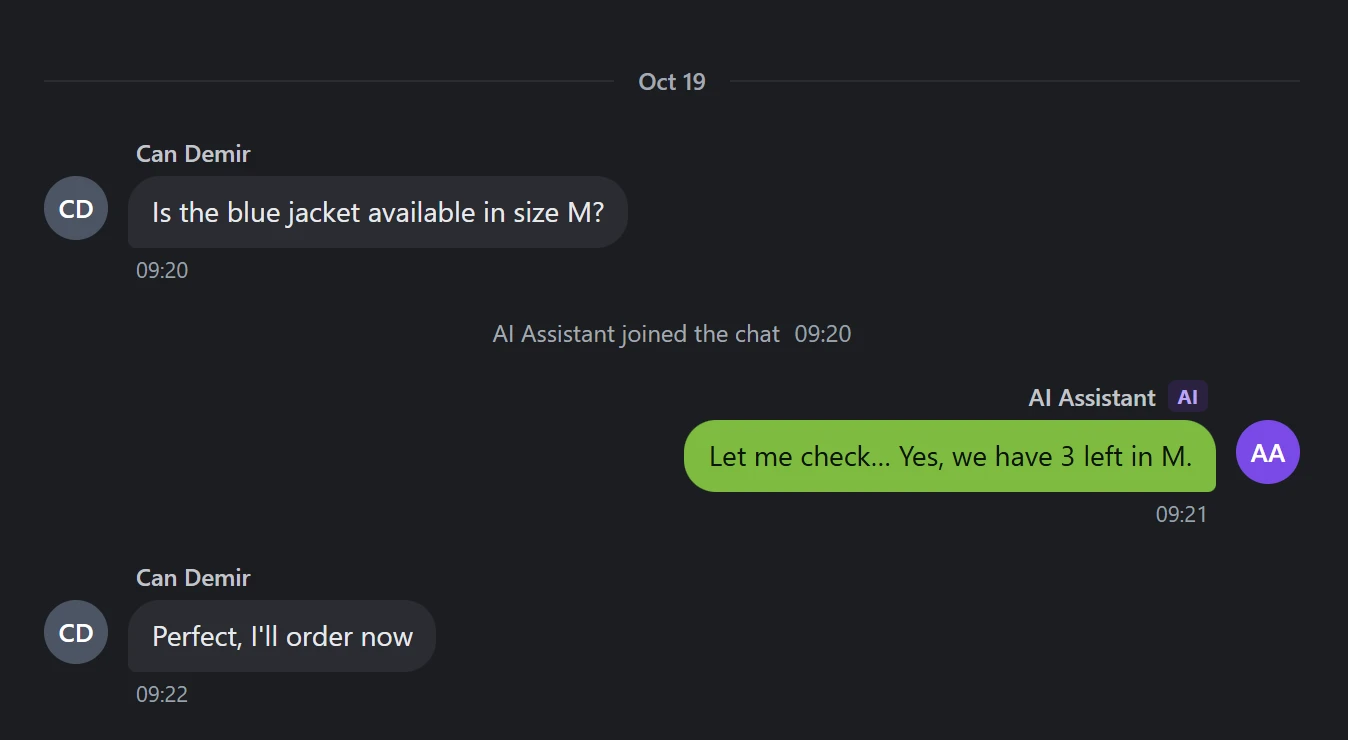
Teach it your products, policies and answers. It replies to visitors around the clock, understands the pictures they send and hands the chat to a person the moment it should.
- Answers from your own knowledge base
- Passes the chat to your team when a visitor asks
- Opens a ticket when no one is available
- Reply suggestions and chat summaries for your team
Tickets
Nothing gets lost.
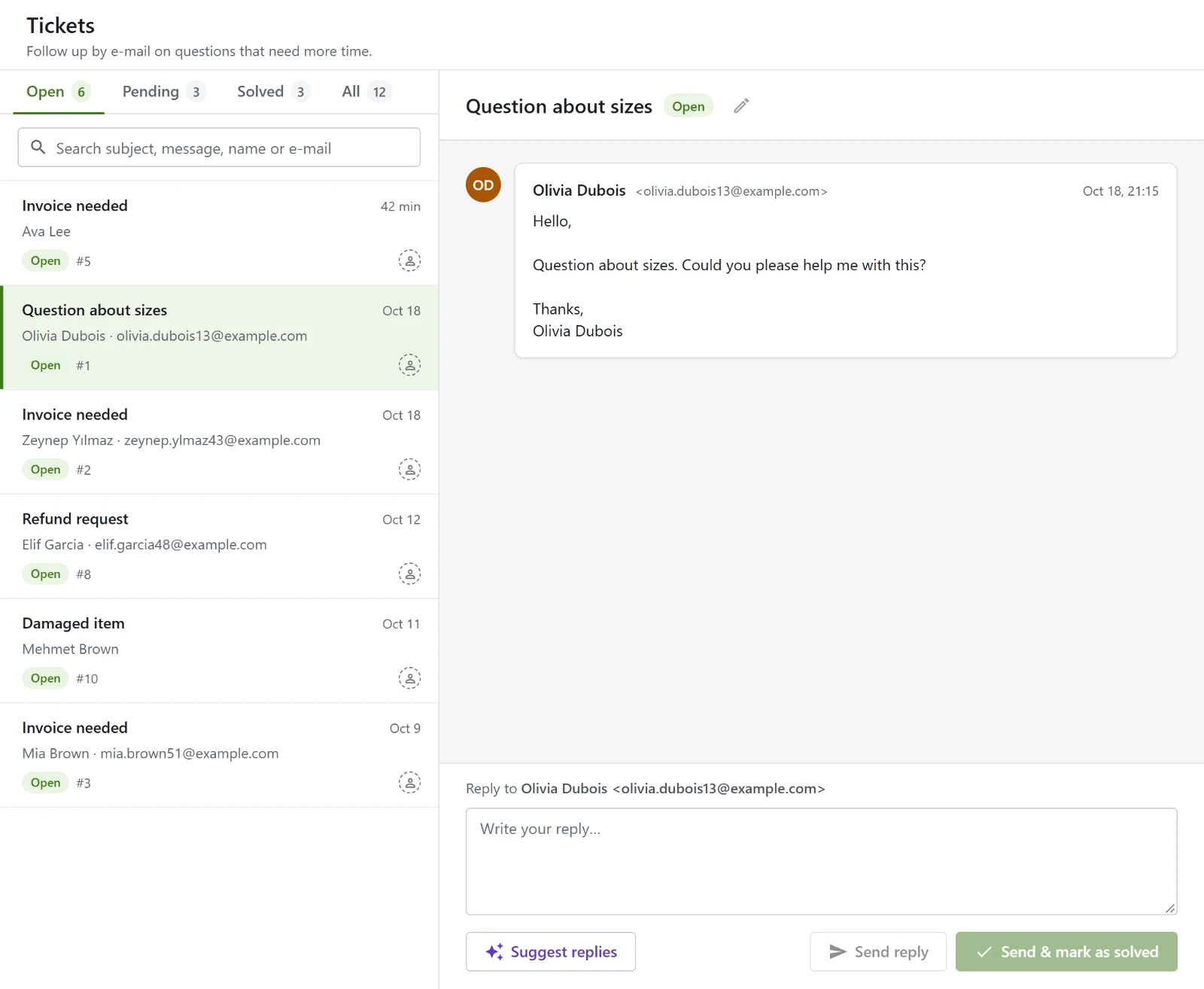
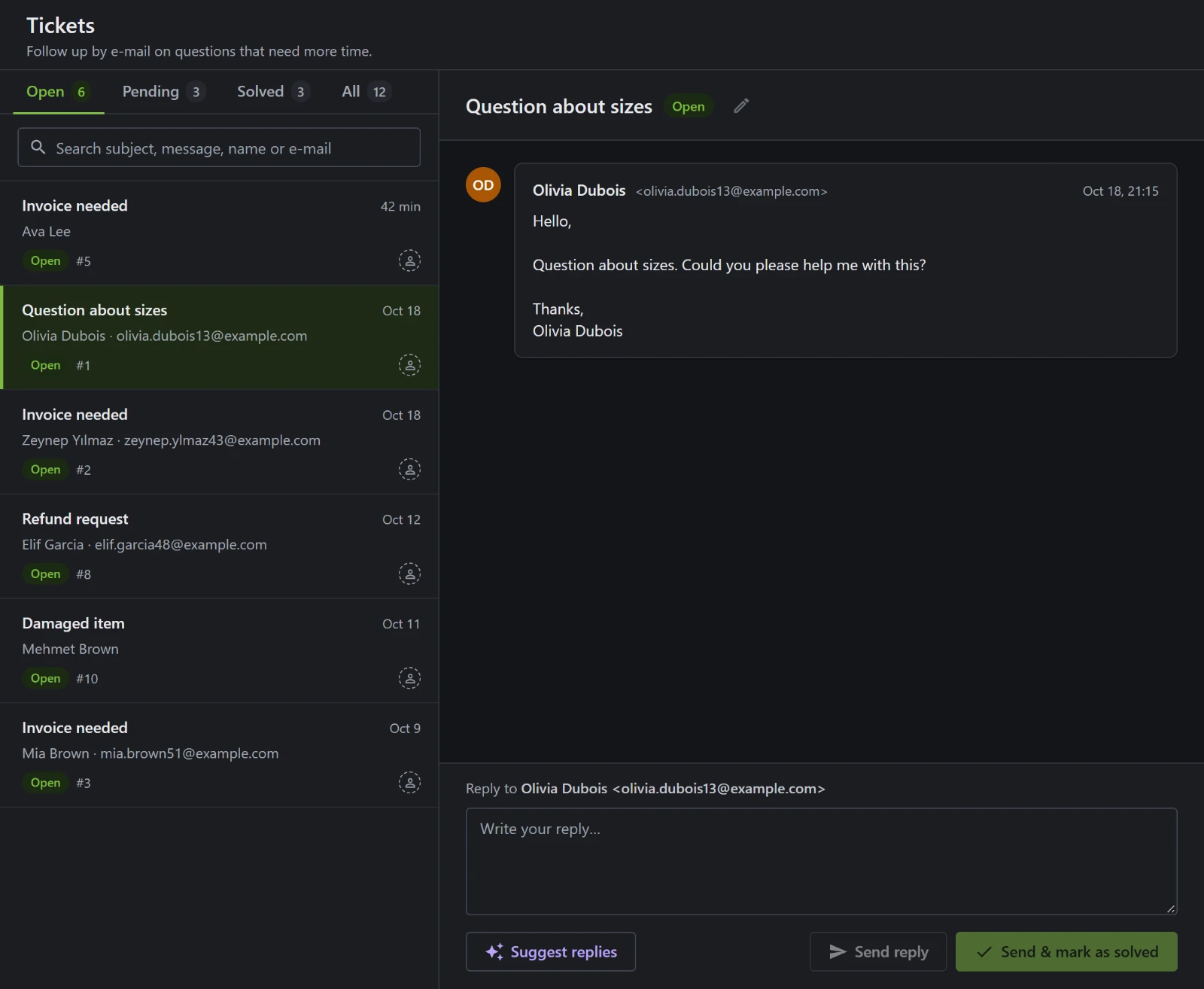
Questions that need more time become tickets. E-mails to your support address land in the same place, and every reply goes back to the customer by e-mail.
- E-mails turn into tickets on their own
- Priorities, tags and AI triage
- Suggested replies, ready to send
Team
Built for your whole team.
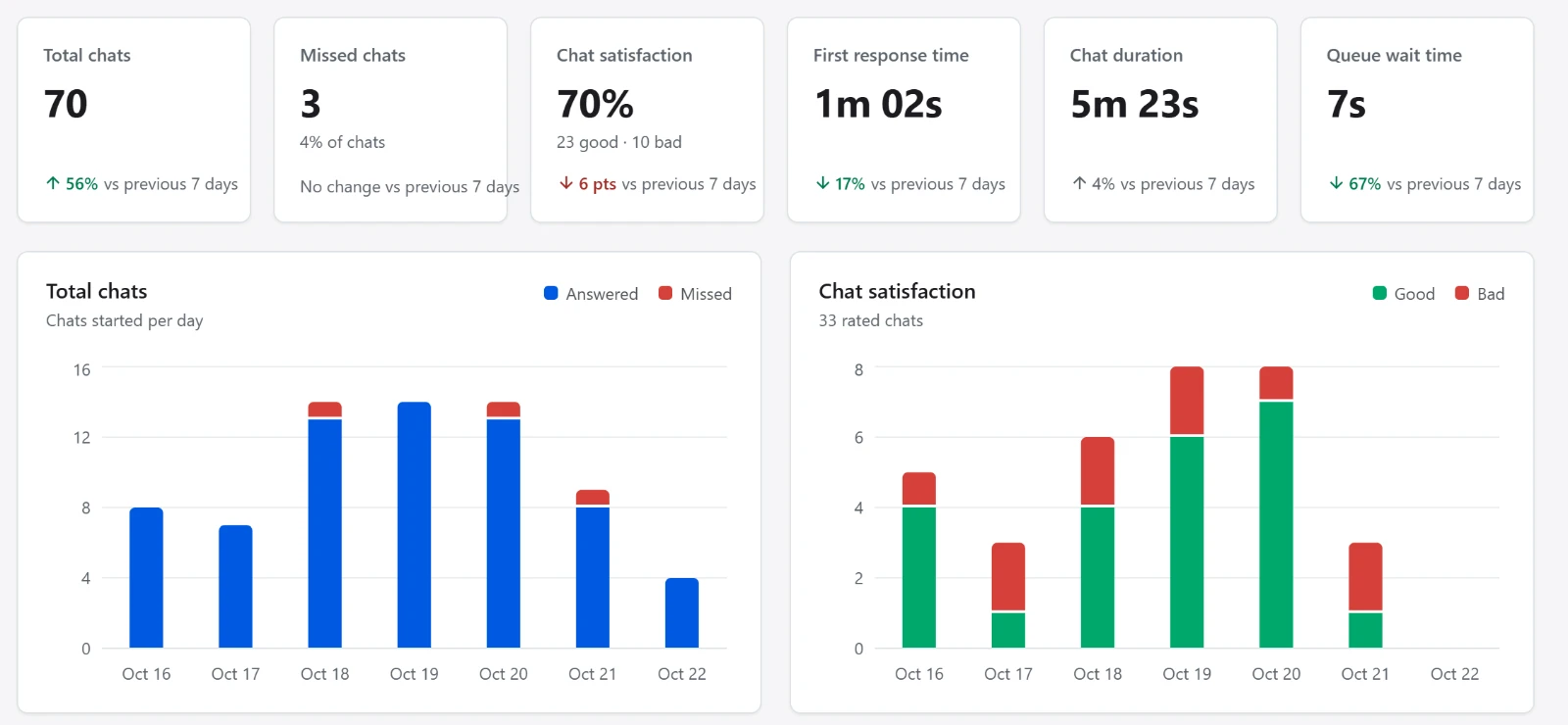
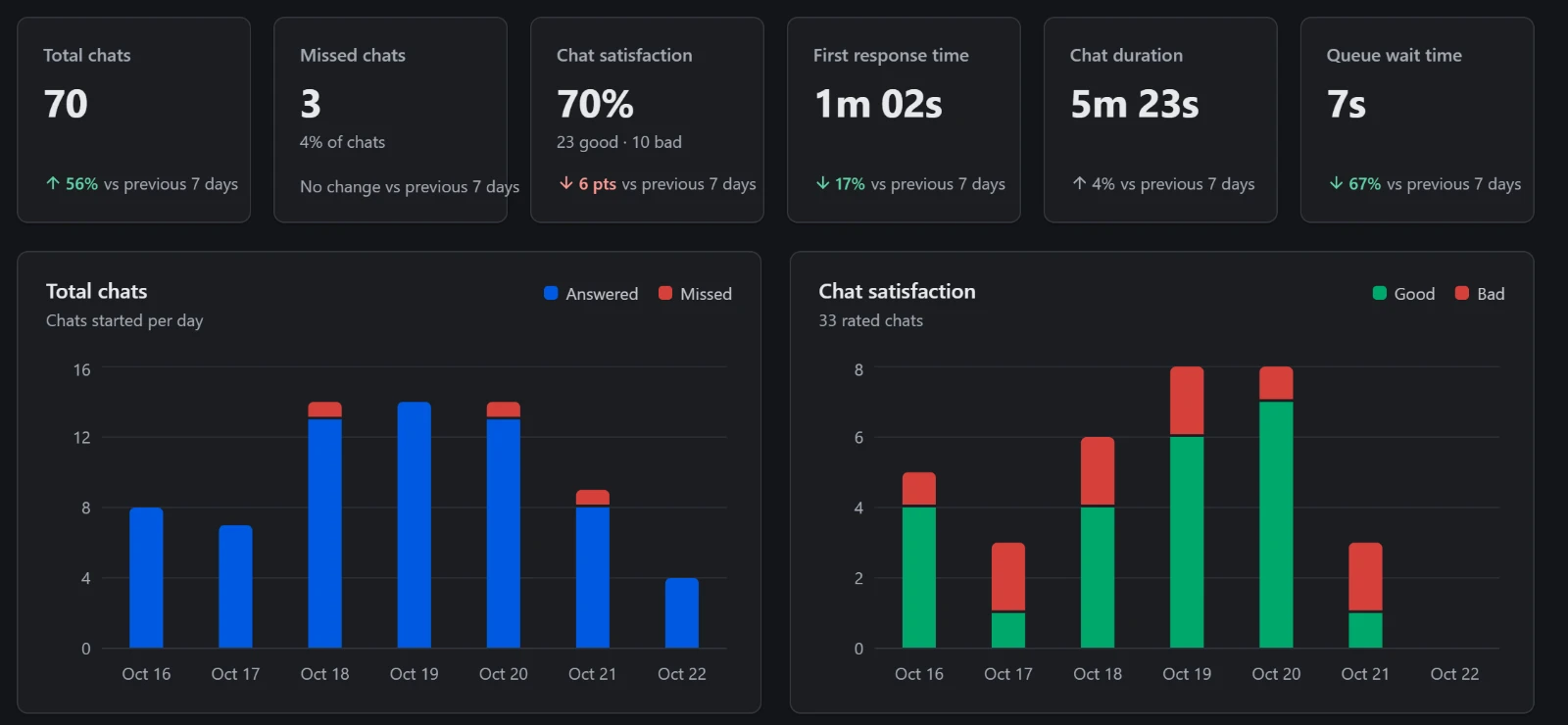
Send each chat to the right people, set primary and backup agents, step into any conversation and see how your team is doing with clear reports.
- Routing rules, groups and chat limits
- Supervise, join or transfer any chat
- Reports on response time, satisfaction and more
Set up
Set up in minutes.
No developers, no plugins to maintain. Add XenChats to your website and you are ready to talk.
-
1
Paste one line of code
Put it before the closing
</head>tag on your website. The chat appears in the corner.<script async src="https://your-xenchats-address/tracking.js"></script> -
2
Or share a chat link
No website? Share your chat page by e-mail or on social media, or print its QR code for your shop.
-
3
Start answering
Chats arrive in your browser on your computer or phone, with sound and notifications so no one waits.