
Reports
See what every chat brings in.
Sales and goals credited to chats, your team’s speed and quality, and the topics customers ask about, in reports you can filter, compare and export.
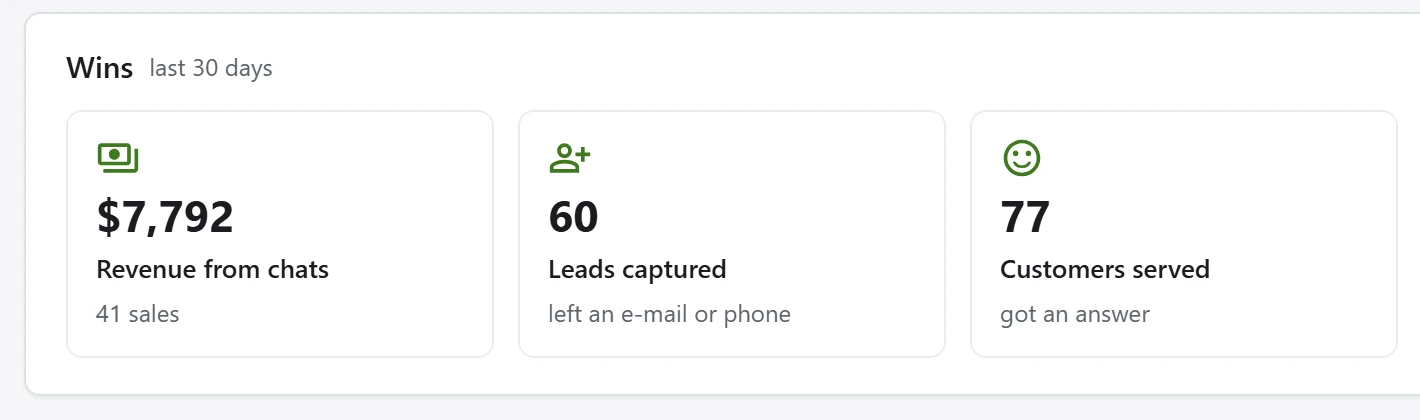
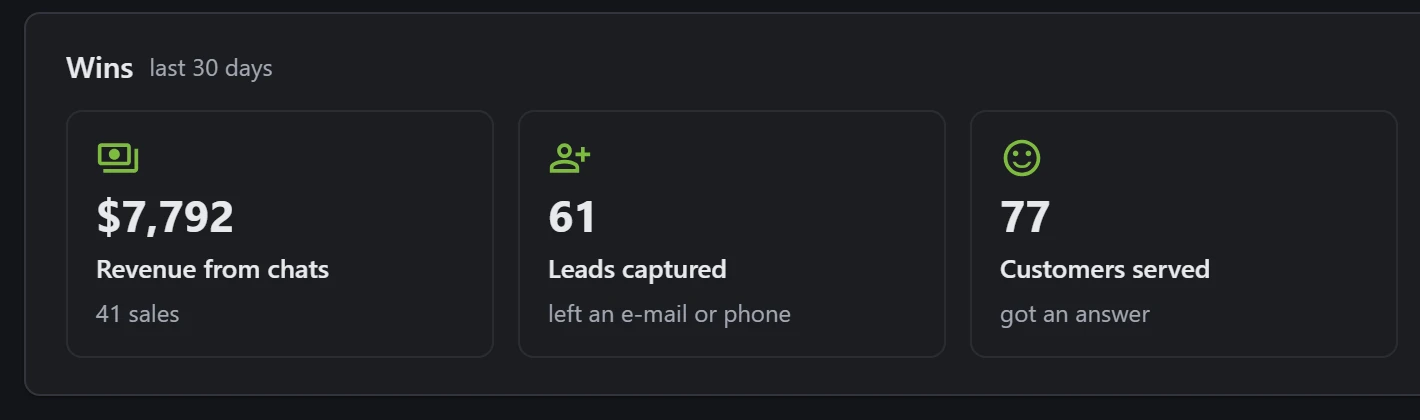
Revenue
Know which chats sell.
Sales and goals are credited to the chat that came before them, so you see revenue per chat, per agent and per campaign.
Team
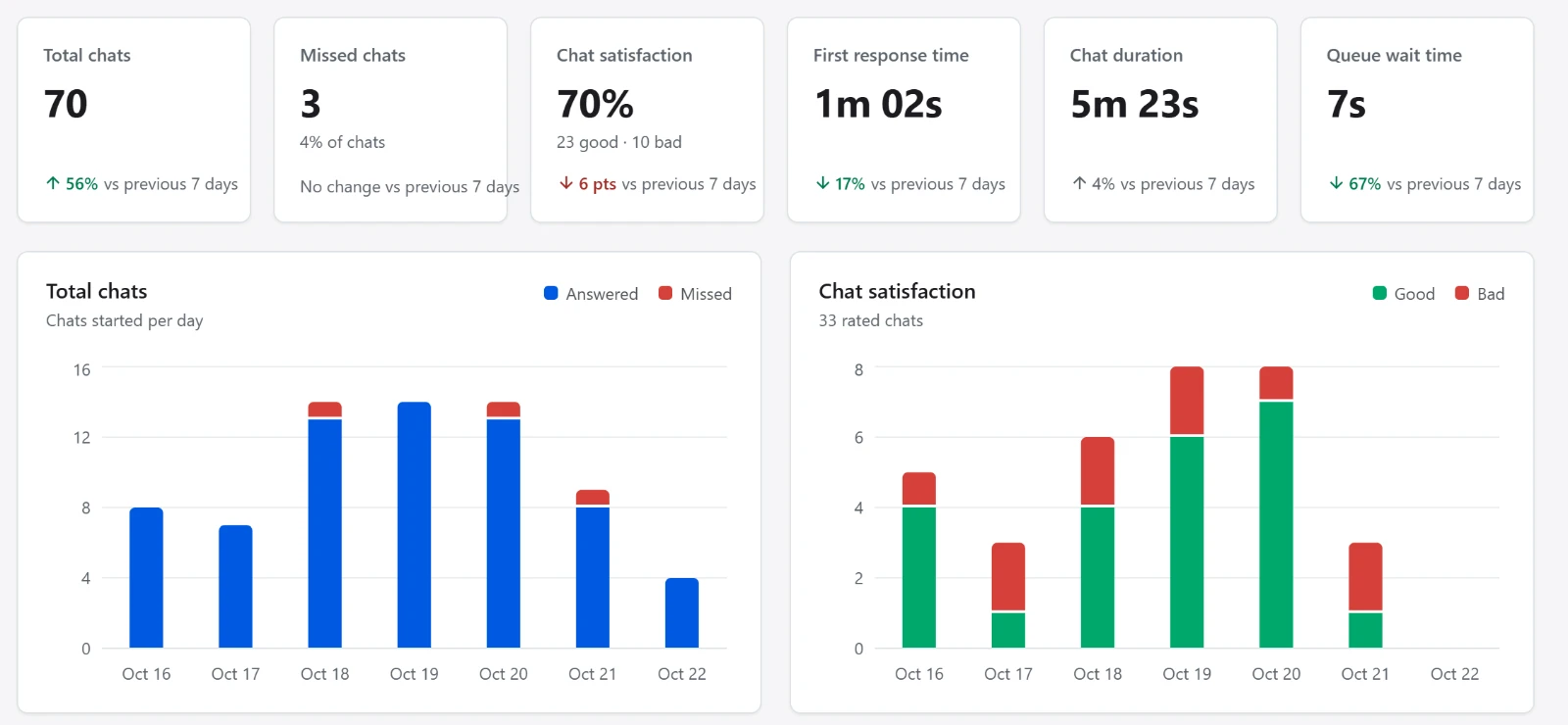
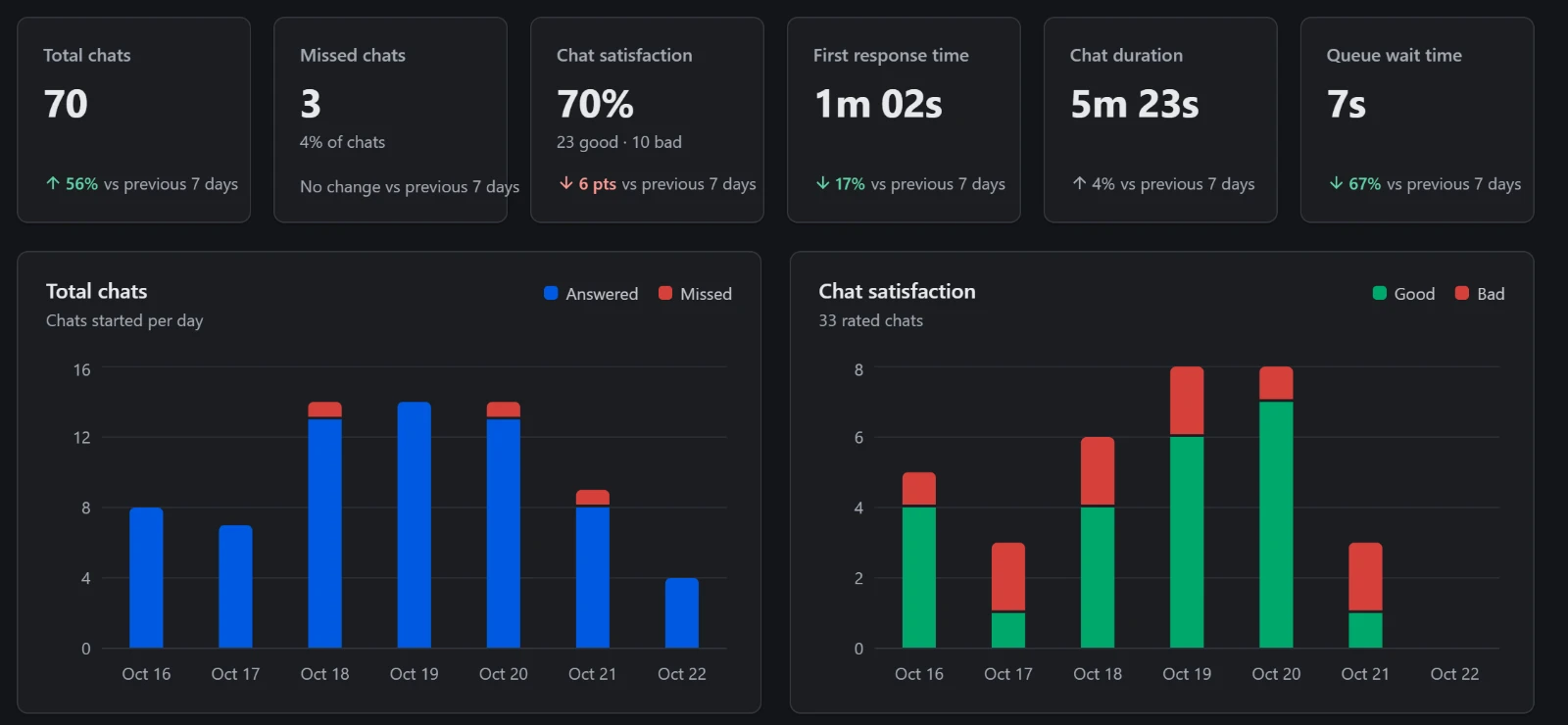
Speed and quality, per person.
First response time, chat duration, satisfaction, missed chats and activity, for the whole team or one person.
Planning
Plan the week ahead.
See when chats come in and how many people you need for each hour, and get a daily or weekly summary by e-mail.
- Insights: the topics customers ask about
- Compare with the period before
- Every report as a spreadsheet
Ready to talk to your visitors?
Tell us about your website and your team. We’ll help you set up XenChats.